Northline
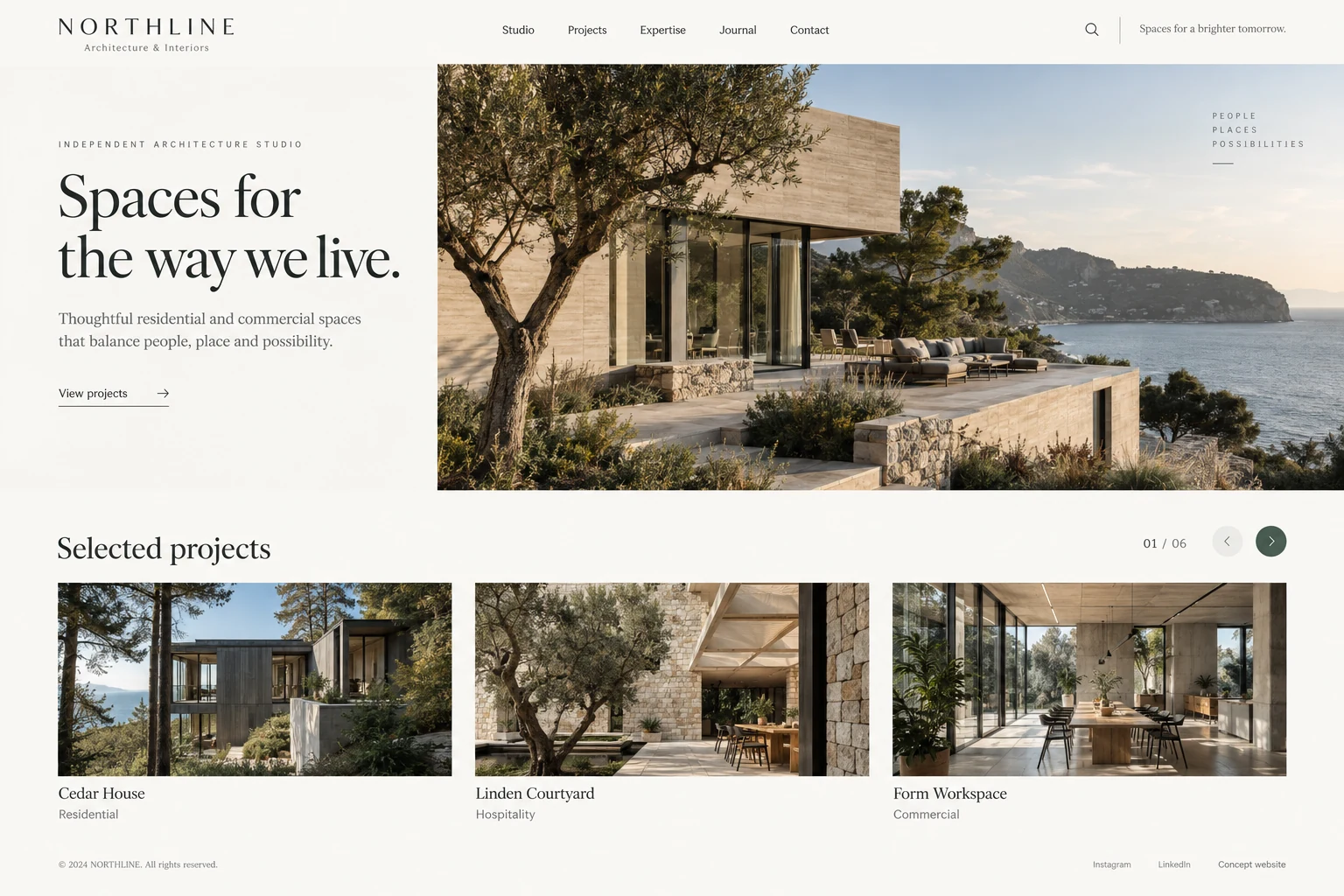
Architecture studio website
Present residential and commercial architecture through project photography, categories and dedicated stories.
Concept study with a fictional brand and illustrative data; not a client delivery.
The challenge
Prospective clients want to understand project types, spatial quality and the studio’s approach. A handful of thumbnails and a generic introduction leave those questions unanswered.
The approach
Lead with project imagery, organize the portfolio into residential, hospitality and workspace categories, then connect detailed project galleries to multilingual content and a clear enquiry journey.
Functional scope & business rules
Proposed requirements for the illustrated scenario, ready for a scoping discussion. Rules and integrations are agreed before implementation.
User roles
Prospective clients, content editors, translators and publishing reviewers
Typical workflow
- 1Browse project categories
- 2Read a project and gallery
- 3Send a project-linked enquiry
- 4Review and publish content
Architecture project records
Maintain project name, location, type, year, design scope and display order. Gallery assets hold captions, photography credits and alternative text; material without permission stays out of public versions.
Portfolio categories and detail pages
Residential, hospitality and workspace categories have direct URLs. Details combine background, design approach and grouped galleries with related projects; returning preserves the original category.
Language versions and publishing
Maintain titles, body copy, search metadata and publication state per language. Missing translations offer an explicit language choice; editors preview drafts before authorized review, publication or withdrawal.
Enquiries with project context
Carry the reference project into the enquiry form. Collect project type, location, scope, timing and contact details with required-field and duplicate-submission checks; staff follow up from an assigned record.
Image preparation and maintenance
Generate listing, detail and mobile sizes while retaining originals. Support cover crop, gallery ordering and draft preview; image or URL changes include checks on related pages and internal links.
Search presentation and usability
Configure localized titles, descriptions, canonical addresses and language relationships; update the sitemap after publishing. Keyboard galleries and reserved image dimensions are launch checks, not promises of search ranking.
A visitor opens Cedar House from Residential and enters an enquiry after browsing the gallery. The form carries Cedar House as a reference while collecting the visitor’s own location and scope. An editor later publishes another language version without breaking existing links.
Suggested acceptance checks
- Unpublished projects and translations stay out of public categories, recommendations and sitemaps.
- An enquiry retains its reference project and entered text if submission fails.
- Language changes retain the project identity; missing translations provide clear alternatives.
Integrations & scope decisions
Provide brand assets, publishable project information, image permissions, a domain and enquiry destinations. Copywriting, human translation and photography need separate agreement; architectural design work and online charging are not assumed.
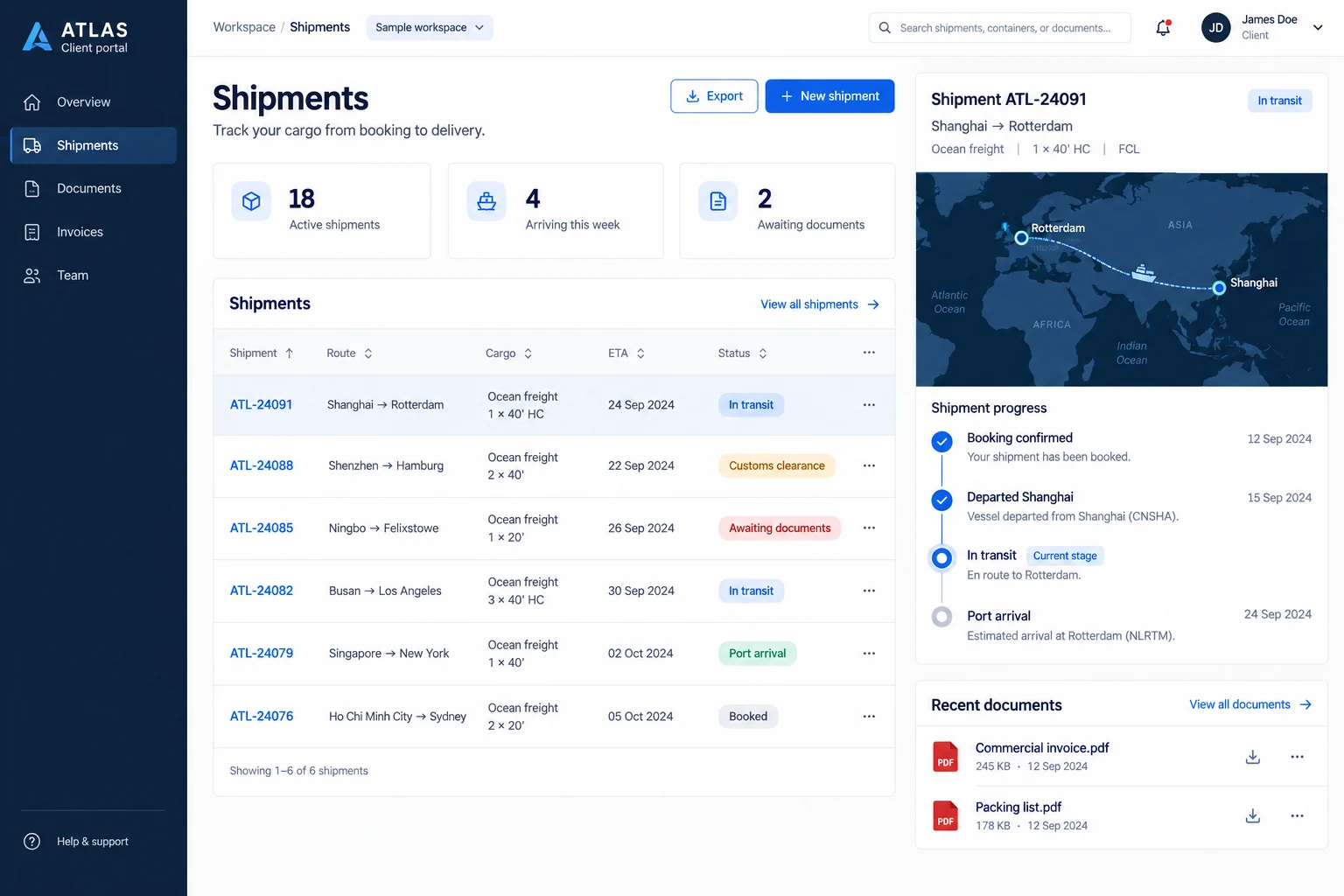
AtlasFreight forwarding client portal
Connect shippers and forwarders through shipment tracking, customs documents and exception updates.
Explore case study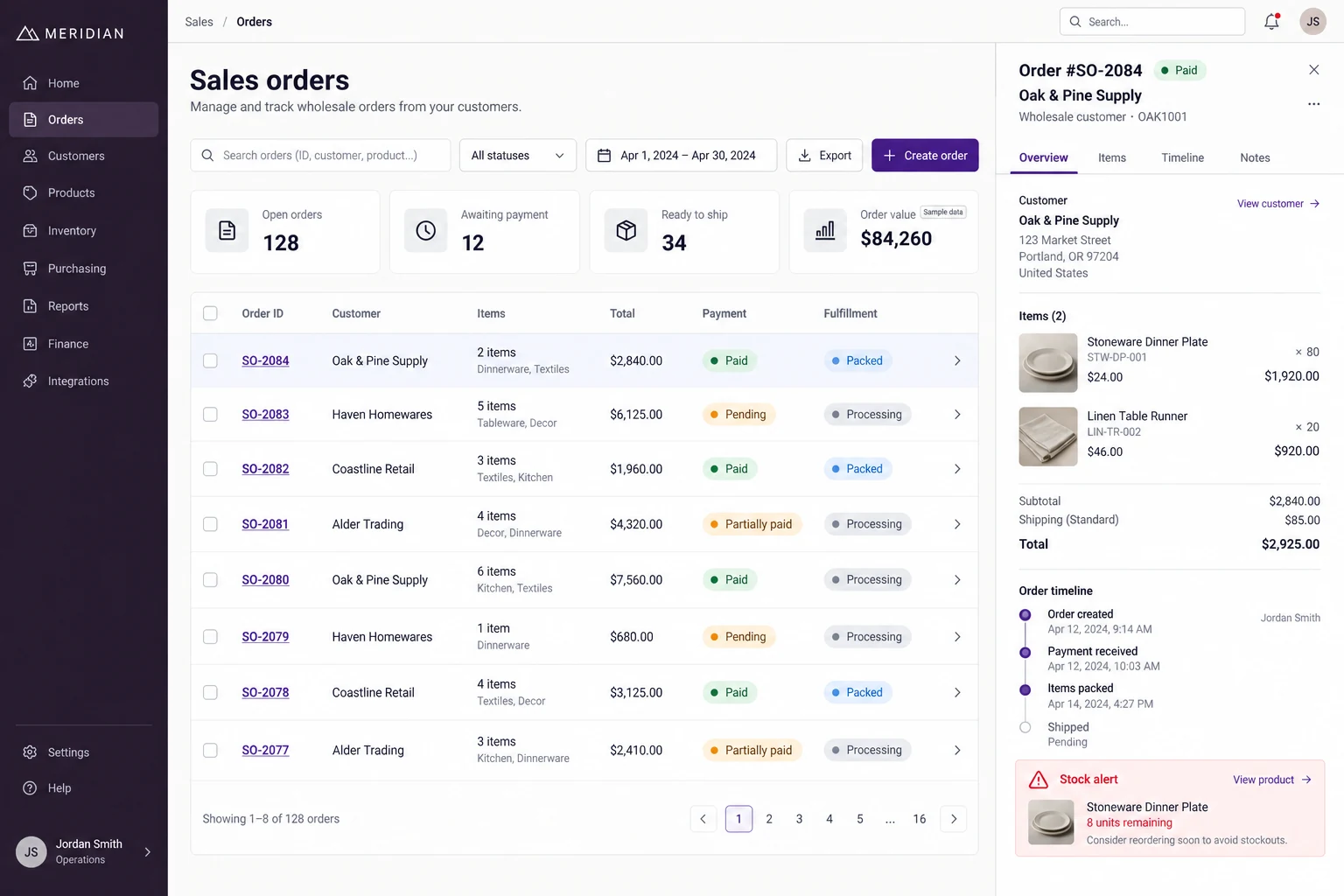
MeridianWholesale orders & inventory
Connect customer orders, payment checks, warehouse preparation and dispatch for a homewares wholesaler.
Explore case study