Harbor
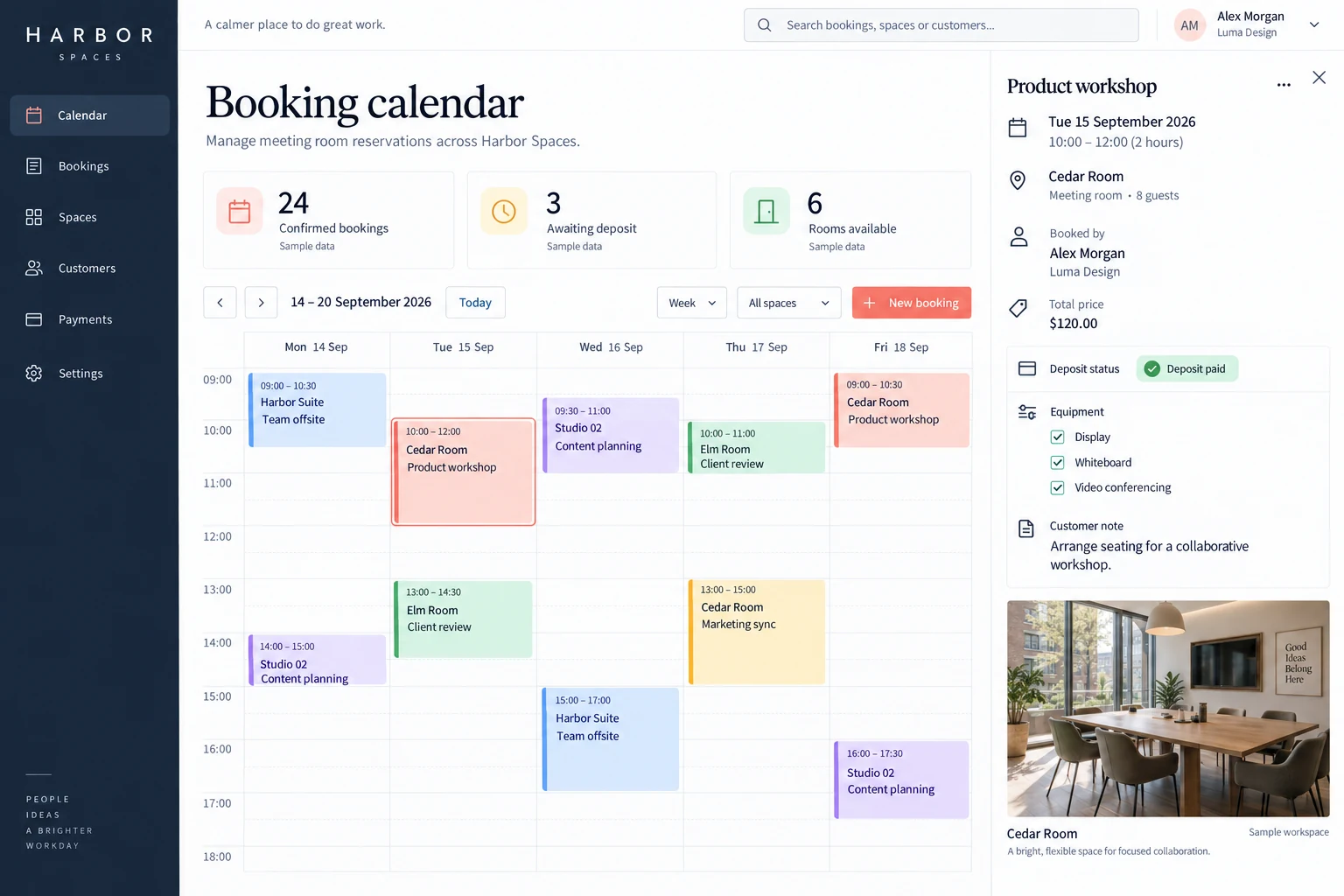
Coworking space booking manager
Schedule meeting rooms while tracking deposits, equipment and customer requirements.
Concept study with a fictional brand and illustrative data; not a client delivery.
The challenge
Operators coordinate several rooms, check conflicts and payments, and arrange equipment and seating. Booking changes spread across messages are easy to miss.
The approach
Show room occupancy in a weekly calendar and keep guests, pricing, equipment and notes in one booking record. Confirmation, rescheduling and cancellation follow that record, with payment and booking states tracked separately.
Functional scope & business rules
Proposed requirements for the illustrated scenario, ready for a scoping discussion. Rules and integrations are agreed before implementation.
User roles
Space operators, business bookers, finance and on-site staff
Typical workflow
- 1Choose room and time
- 2Price and confirm booking
- 3Prepare equipment and host
- 4Settle, reschedule or cancel
Spaces and weekly calendar
Maintain room capacity, opening hours, time zone and equipment. Cleaning buffers and maintenance block availability too; multi-day bookings check each occupied interval.
Conflict checks and temporary holds
Recheck room and time when saving a new booking or rescheduling. Unpaid holds can expire at an explicit deadline; simultaneous requests cannot both confirm an overlapping room booking.
Pricing, deposits and receipts
Calculate hourly or agreed-slot pricing, equipment extras, taxes and deposit terms. Payment and booking states remain separate; failed or unverified payment is never treated as received.
Changes, cancellation and refunds
Rescheduling rechecks conflicts and prices, then releases the old slot after confirmation with a change record. Cancellation charges follow agreed windows; booking cancellation, refund request and receipt are separate states.
Equipment, capacity and preparation
Record attendees, display, whiteboard, video equipment and seating requests. Flag capacity or equipment conflicts; generate a preparation checklist for staff and retain changes to customer notes.
Notifications, permissions and history
Send confirmation, change and cancellation notices to the booker and relevant staff, with retryable failures. Customers see their own bookings; discounts, manual rescheduling and refunds require permission and a reason.
A booker requests Cedar Room on 15 September, 10:00–12:00, for eight guests with a display. The system checks the room and cleaning buffer before pricing. A move to 11:00–13:00 conflicts with another booking, so the original remains while alternatives are offered.
Suggested acceptance checks
- Only one of two simultaneous overlapping confirmations succeeds; the other receives a clear explanation.
- A failed reschedule preserves the original slot, paid amounts and notes.
- Cancellation releases the room but the refund remains pending until separately confirmed.
Integrations & scope decisions
Agree time zone, hours, buffers, deposit proportion and cancellation rules. Payment gateways, external calendars, SMS and access control are optional; lock control, invoicing and real-time two-way calendar sync are not assumed.
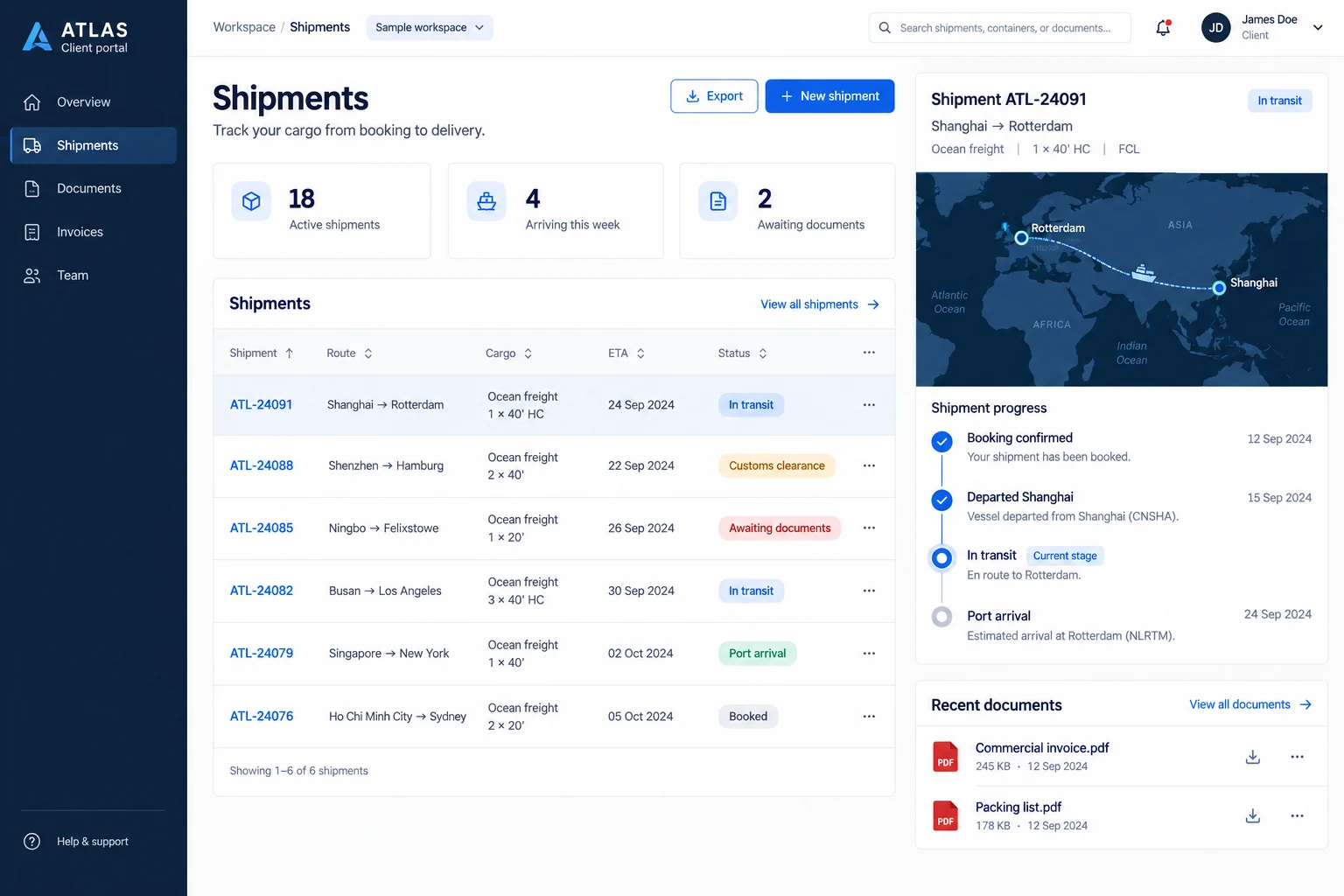
AtlasFreight forwarding client portal
Connect shippers and forwarders through shipment tracking, customs documents and exception updates.
Explore case study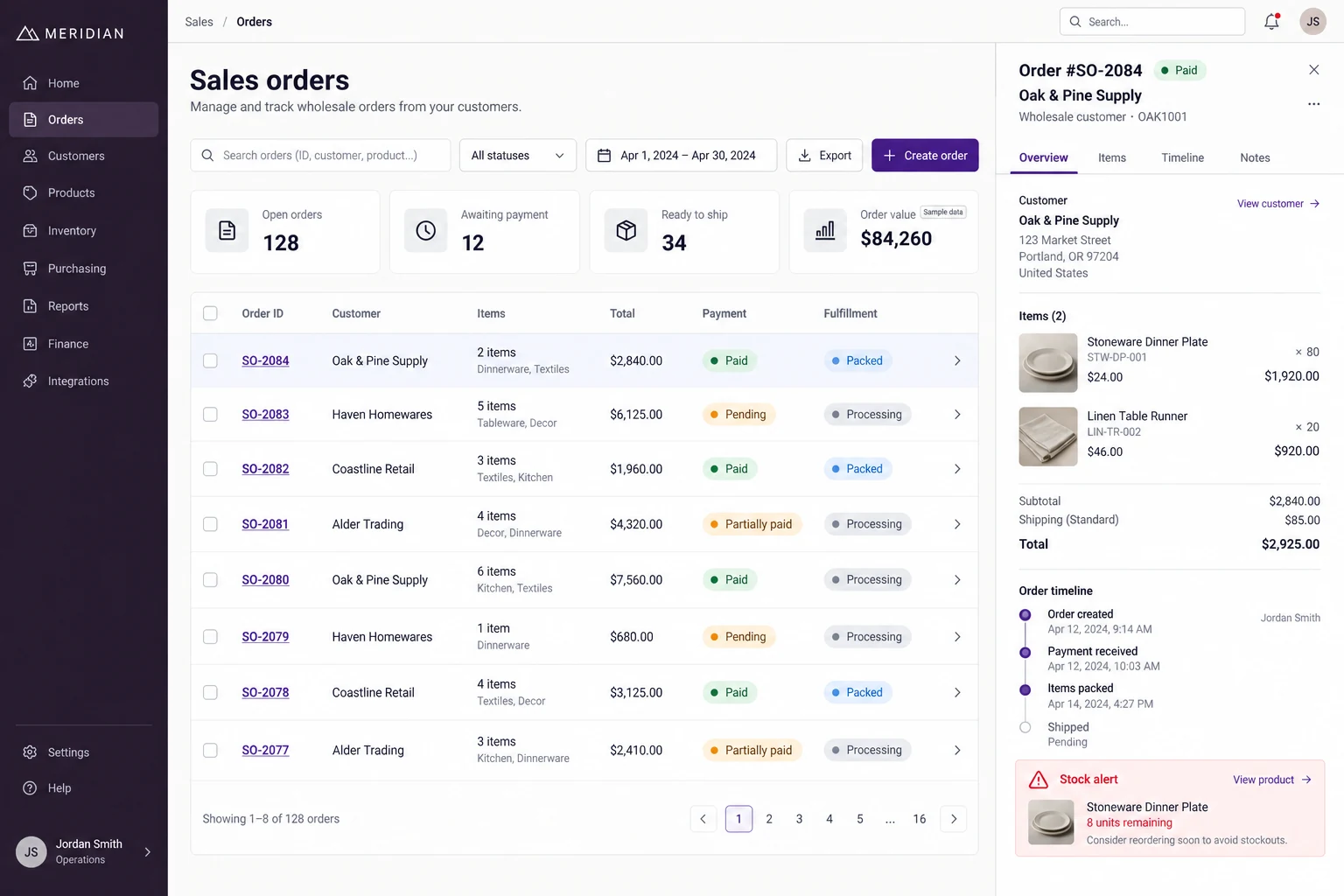
MeridianWholesale orders & inventory
Connect customer orders, payment checks, warehouse preparation and dispatch for a homewares wholesaler.
Explore case study